Managing BLE gateway in SIGSCAN Industry
The receivers are added to the organisation, physically place them in your buildings and locate them on the map.
Physical installation of gateways
Before any installation operation, we recommend that you have a plan of your buildings and determine the areas that need to be covered.
Position your receivers within your buildings. We recommend that you :
Position the receivers where the reception field is relatively unobstructed.
Avoid configuring receivers with large overlap zones between receivers.
Avoid placing the receivers behind obstacles that could affect signal reception (metal plates, thick walls, etc.).
Connect each antenna to your local network using the antenna's Ethernet port.
Power each antenna using the USB cable if your network infrastructure is not PoE compatible.
Place the receivers on the plans
Settings > Technologies > Gateway
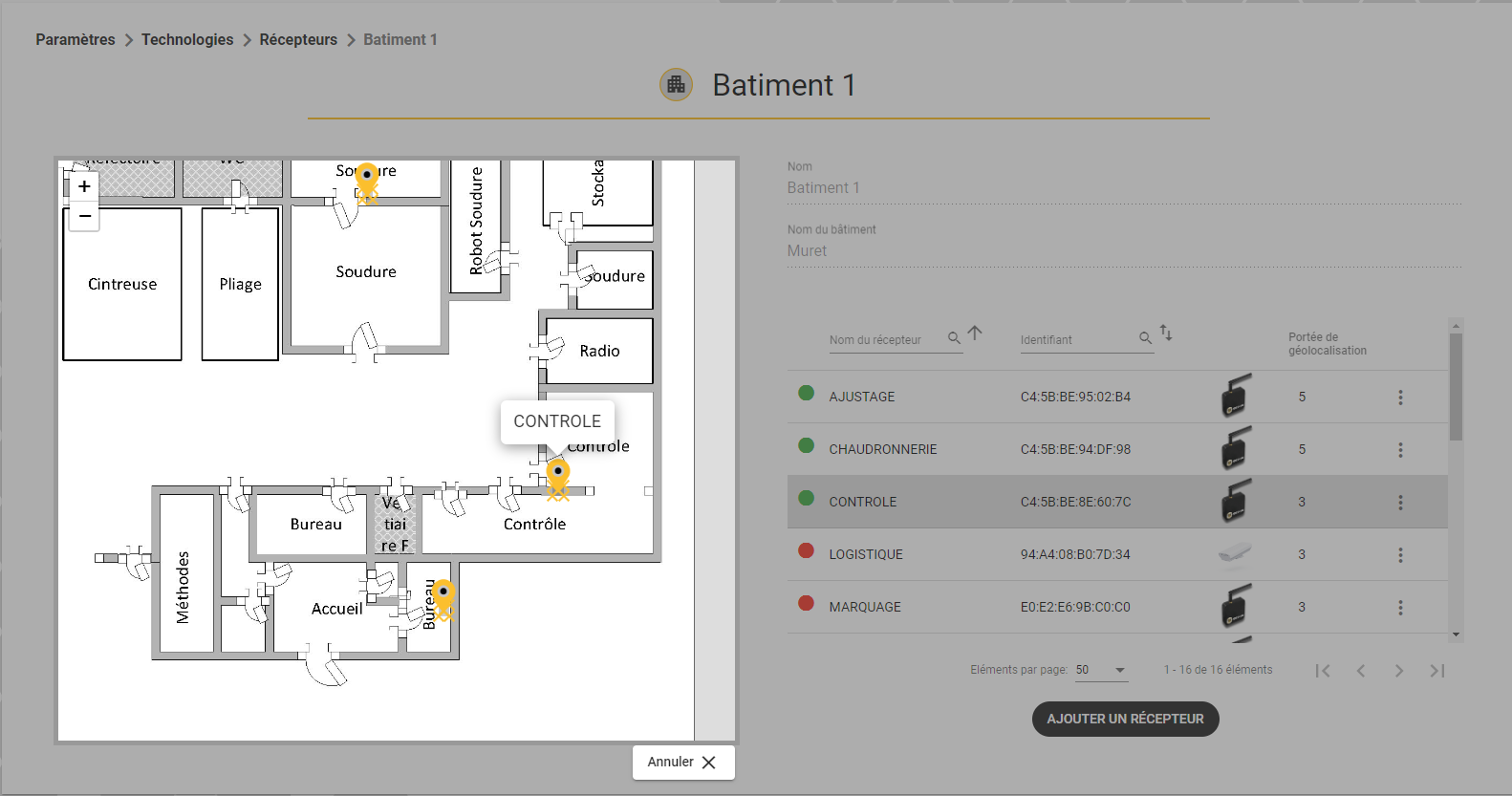
In order to allocate a zone to the receivers, they must be placed on the plan within a zone. (see area management).
Click on the desired receiver.
Open the details with the 3 dots on the right and click on 
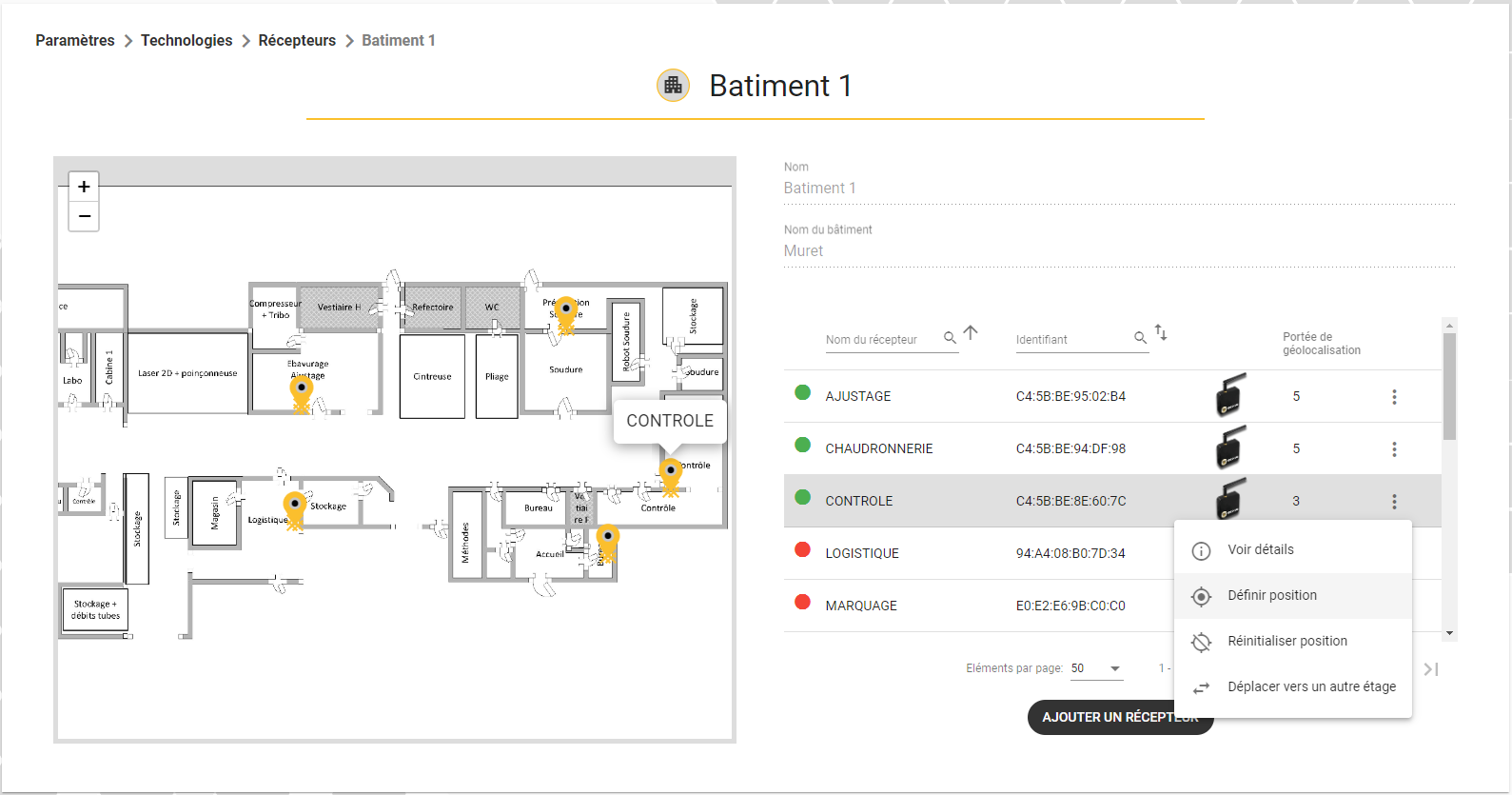
Then place it on the plan and confirm.