Log in and change your password in SIGSCAN Industry
SIGSCAN is compatible with all web browsers, but has been optimised for Chrome and Firefox. We strongly recommend using one of these two browsers.
Log in
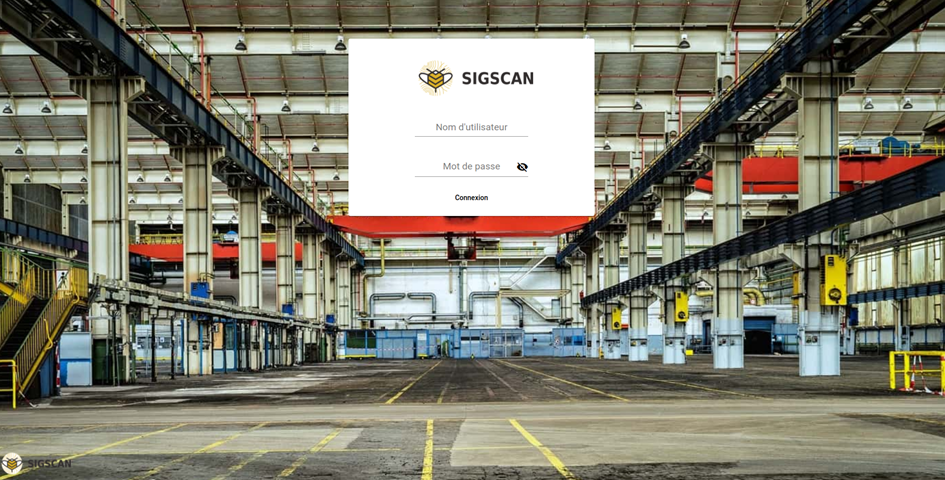
Please, enter the username and password provided by your administrator. Then click on « Connexion », to access your company’s home page
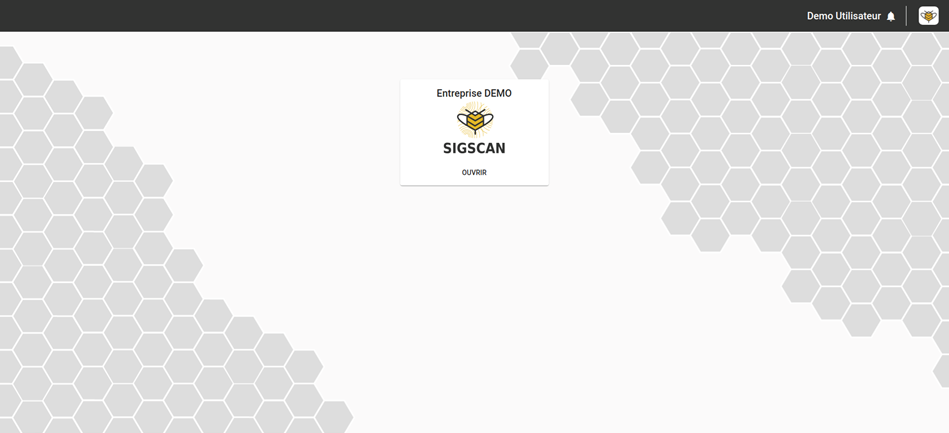
Select the organisation you want and SIGSCAN will redirect you to your favourite organisation by default.
To change the password
Sigscan provides you with generic passwords for security reasons, but we strongly advise you to personalise them.
If you create generic accounts, remember to restrict their rights as much as possible. To manage user rights, see Gestion des droits utilisateurs.
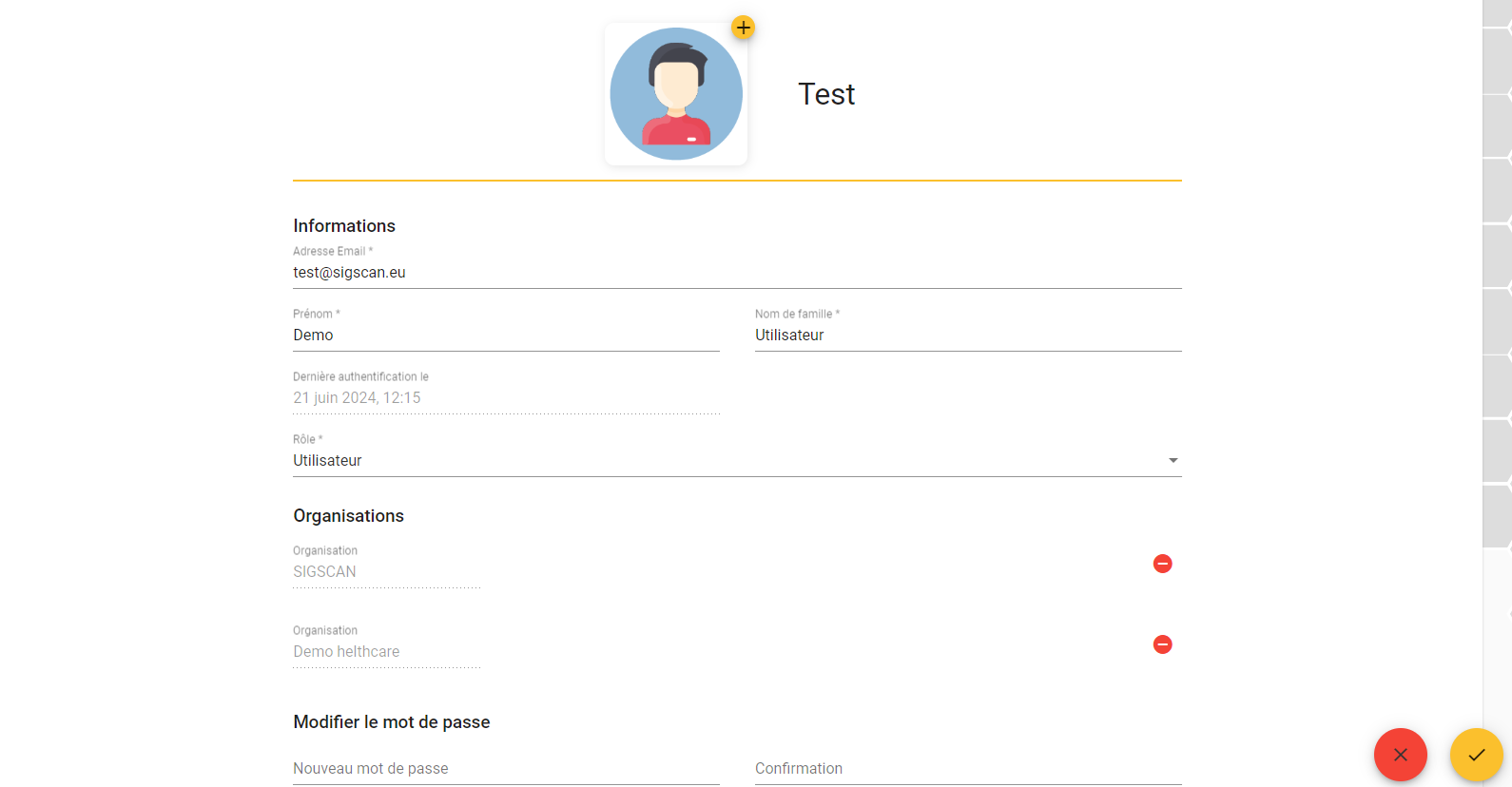
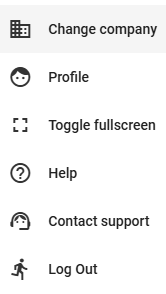
At the top right of your screen, click on the SIGSCAN logo and then on ‘My profile’.
Once on your profile, at the bottom right, click on the pencil to edit your profile, enter your new password and confirm.