Management of SIGSCAN Industry mobile app settings
The SIGSCAN Industry mobile application is available on the mobile terminals supplied with the solution. The default settings are made by SIGSCAN and do not need to be changed for the solution to work properly. You will still have the opportunity to navigate this menu, you can also configure parameters related to the comfort of use of the application.
Change server URL
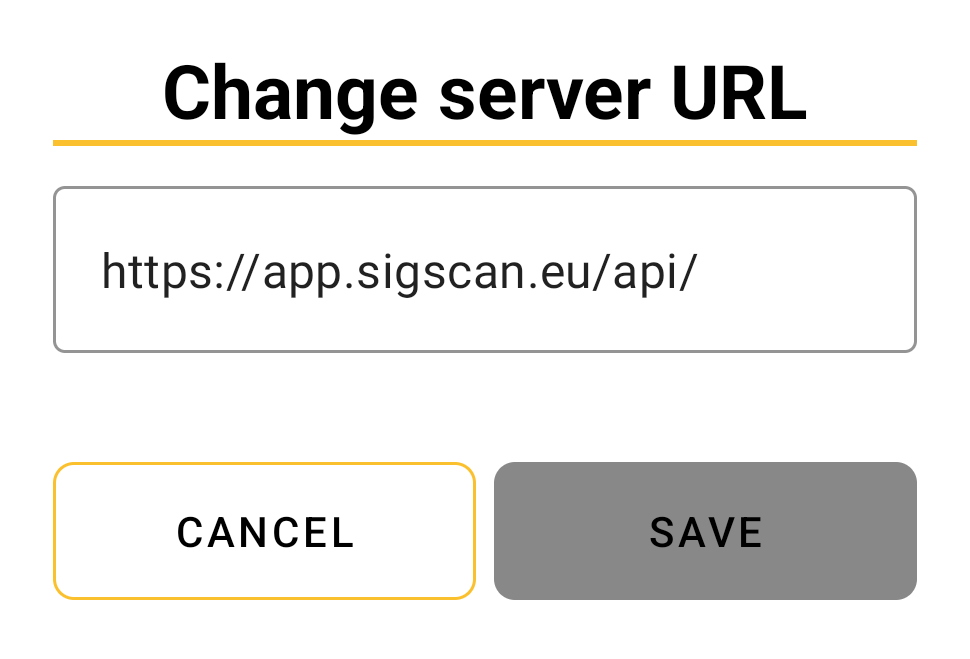
The server URL is the address to which the mobile terminal connects to communicate with SIGSCAN. This setting is made by SIGSCAN when the solution is deployed.
If you encounter connection problems, check the server URL with your administrator.
Volume and vibration
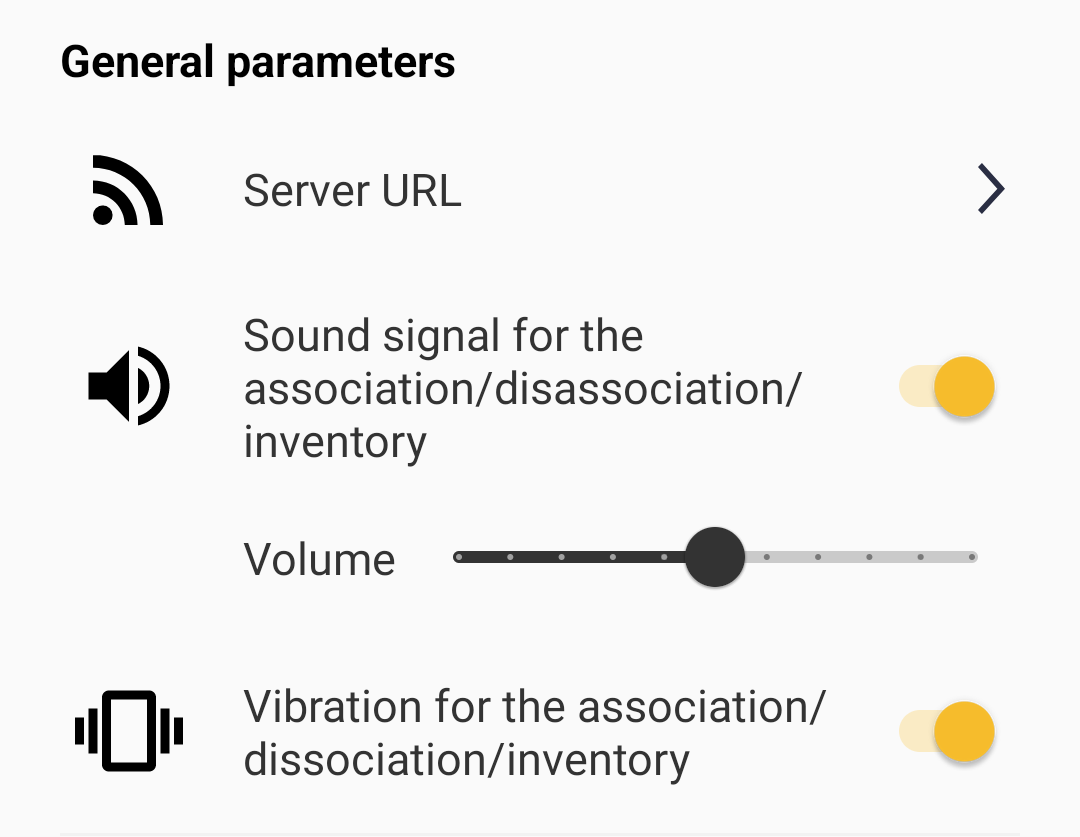
You can activate and deactivate the volume and vibration of the mobile terminal. This section concerns the terminal signals only for association, dissociation and inventory.
RFID
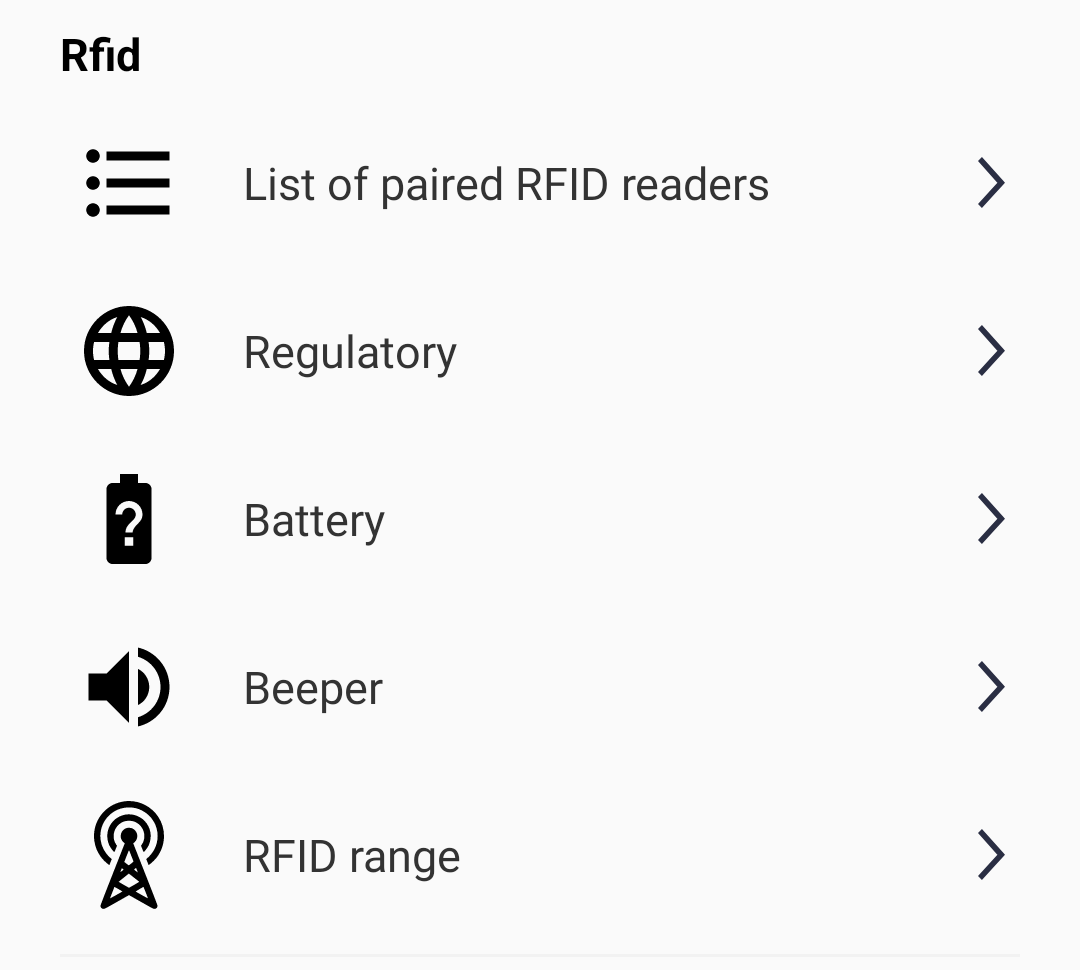
The RFID settings enable you to manage the RFID reader that is paired with the mobile terminal. Firstly, you can check that your terminal and reader are paired by clicking on the list of paired readers, where you should find an item whose name starts with RFD40.
You can modify the power of the RFID reader to detect tags in a wide perimeter around the reader.
You can also check the RFID reader's battery level and set the sound signals it emits during RFID scans.
Association
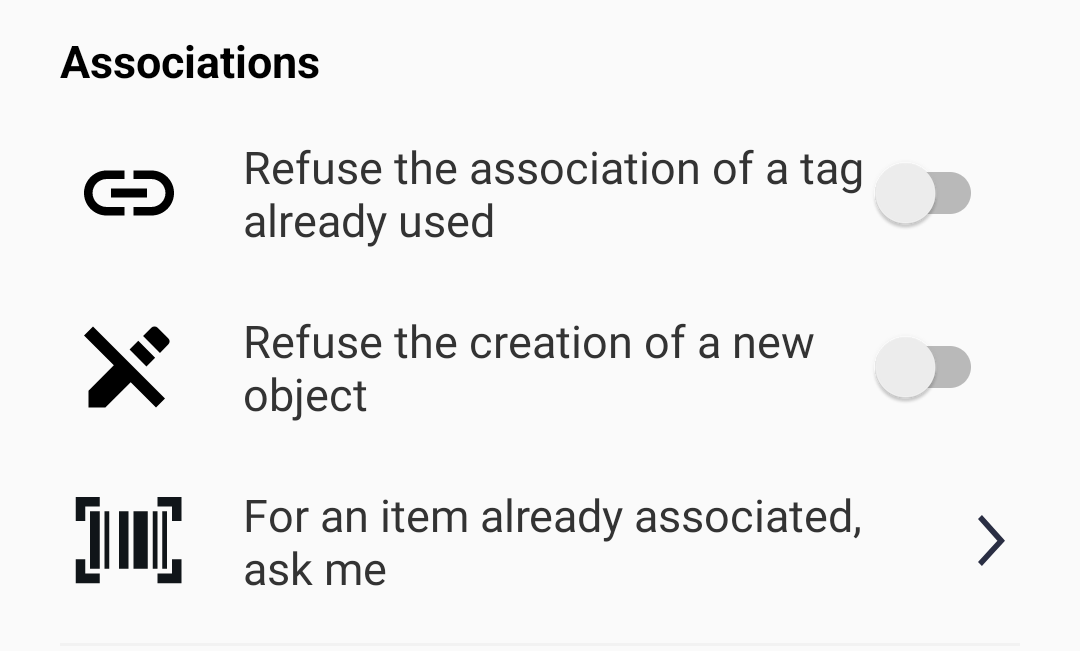
Additional parameters define the default behaviour of the application when associating tags with your objects, and you can deactivate a certain default parameter.
Please note that these parameters ensure that the application is used with a low rate of handling errors. Changing the parameters modifies the association procedure explained in this manual.