
Managing equipment alerts in SIGSCAN Industry
Settings > Technologies > Hardware alerts
The addition of hardware alerts is highly recommended in order to know the connection status of receivers and the battery level of tags.
Configure a hardware alert for the solution manager and the necessary personnel.
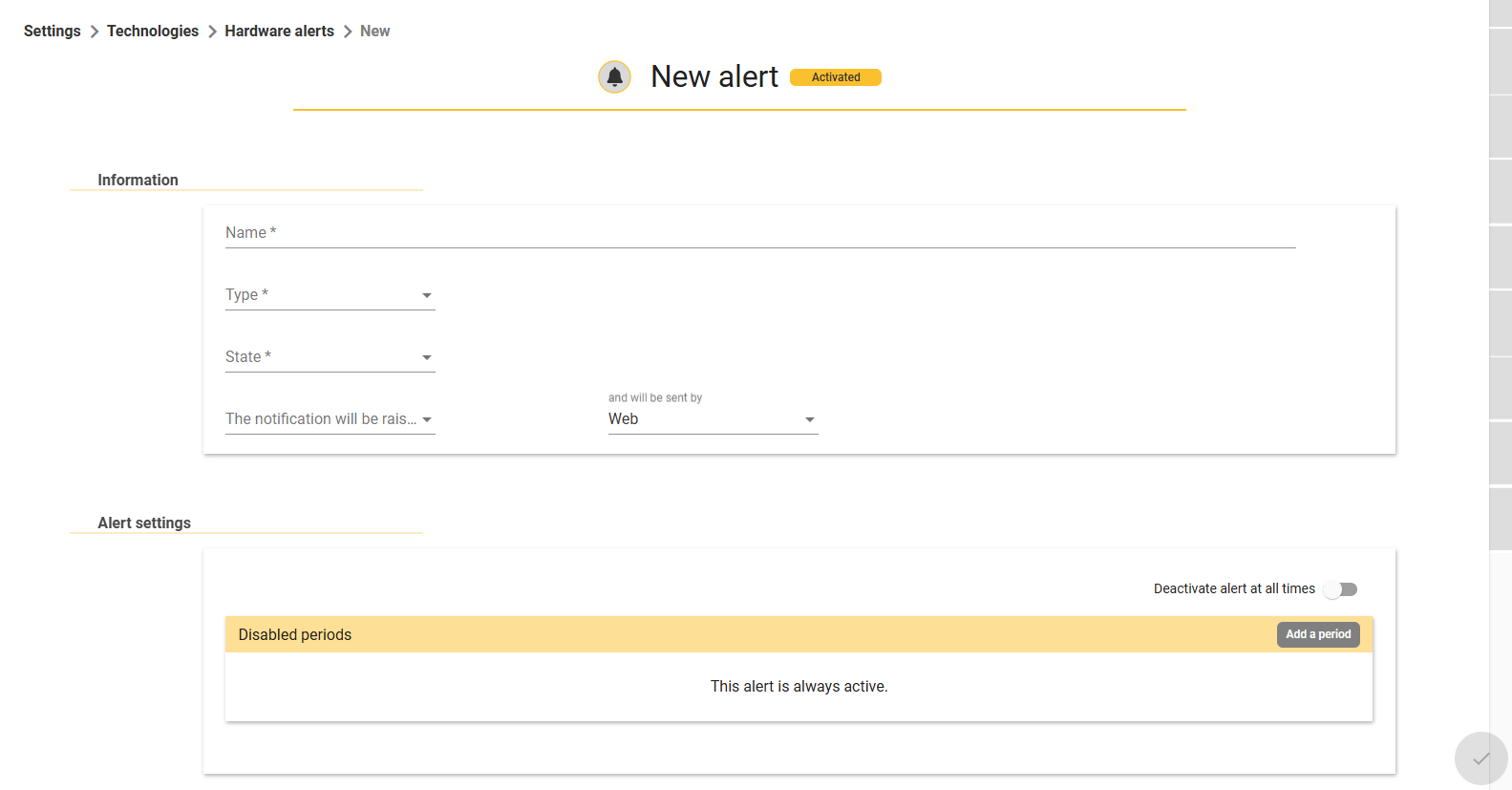
To add a new hardware alert, go to the Hardware Alerts page in Settings > Technology and click on the  at the bottom right of the page.
Define the name of your alert, then select the type of equipment you want to track (tag or receiver), and choose the status that triggers the alert. Finally, choose the recipient and the channel for sending the alert.
Confirm, bottom right.
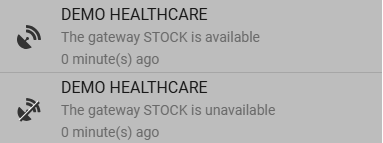
If you want to receive an alert when a receiver is disconnected, you will automatically receive an alert when the same receiver is reconnected.
You can also define deactivation periods for the alert (e.g. no activity on the site).
You will receive these alerts in your notification list, available from the bell at the top right of your screen.