
Add tags to SIGSCAN Industry
Settings > Technologies > Tags
SIGSCAN integrates tags before they are delivered, but you may need to manipulate this menu to resolve technical problems.
To add a tag, click on the  at the bottom right of your tag list page.
Name the tag (by default = MAC address without the colon), then declare the model (request information from SIGSCAN) Enter the tag identifier (MAC Address) and finally the compatible software version (request information from SIGSCAN)
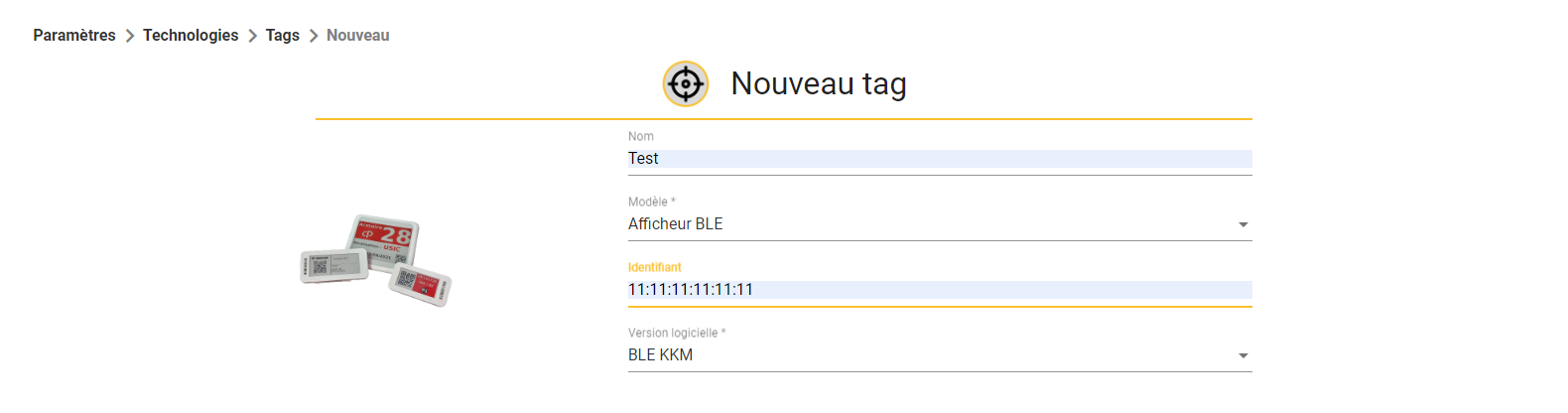
Then confirm at bottom right  .
.
You can rename the tags with names of your choice by editing the tags (select the desired tag and click on  at the bottom right of your screen).